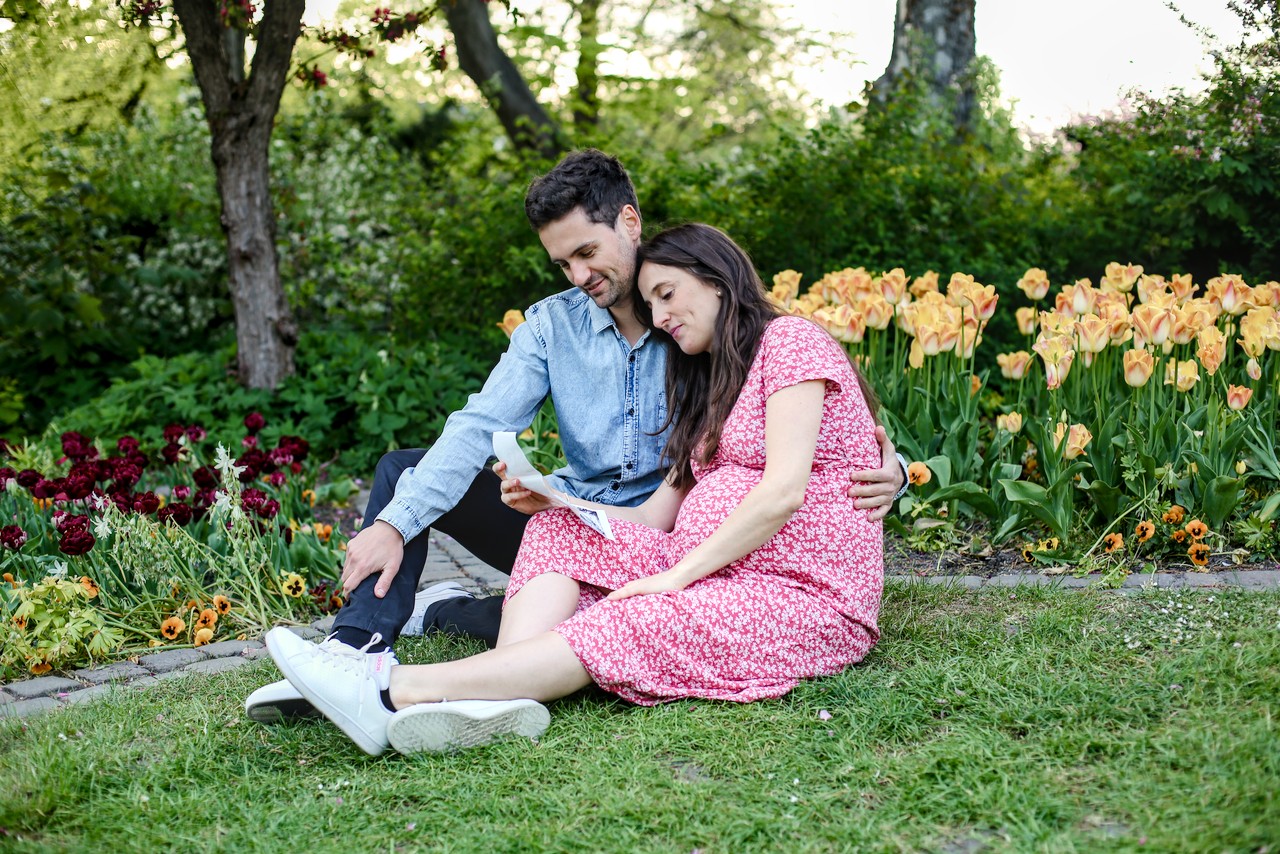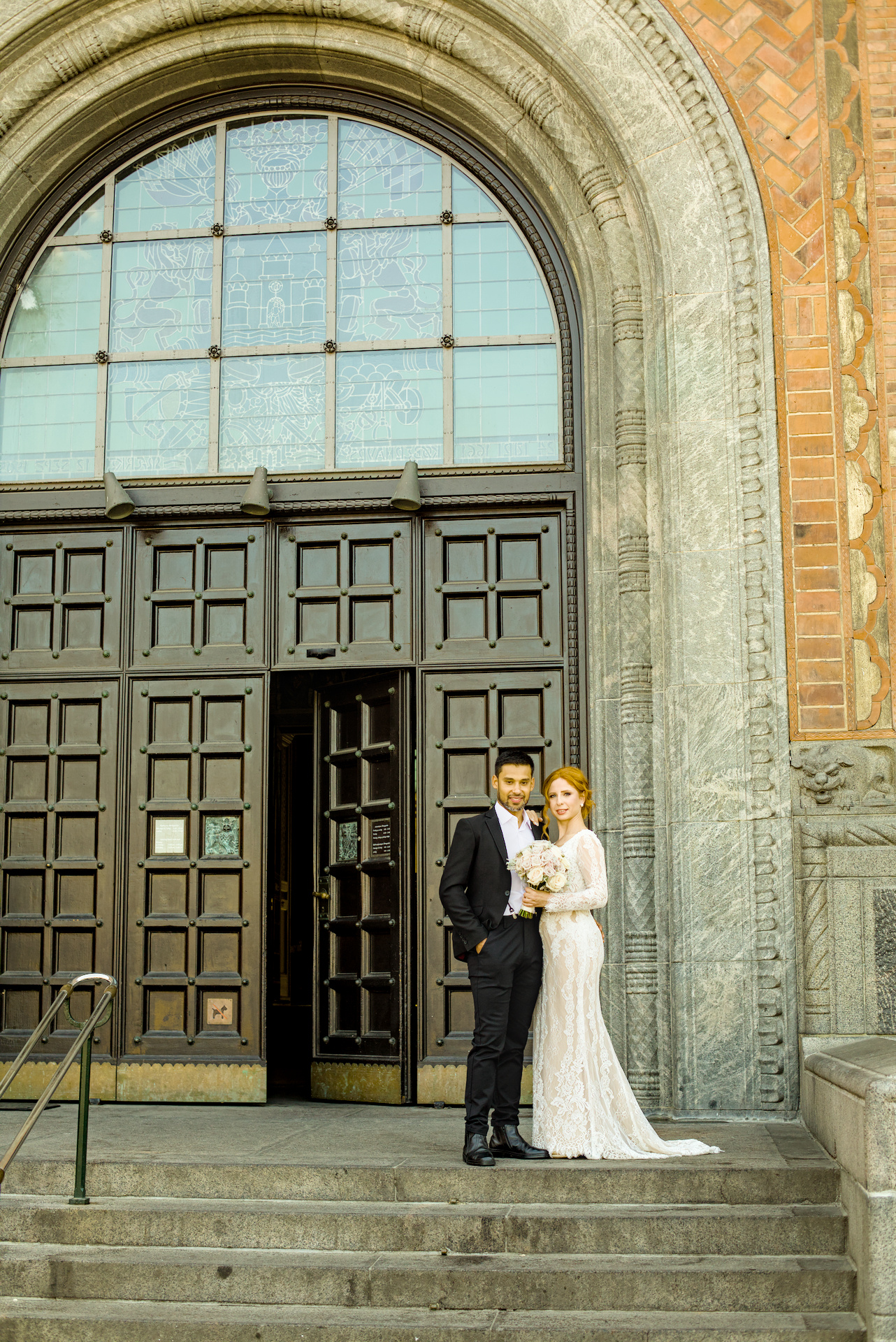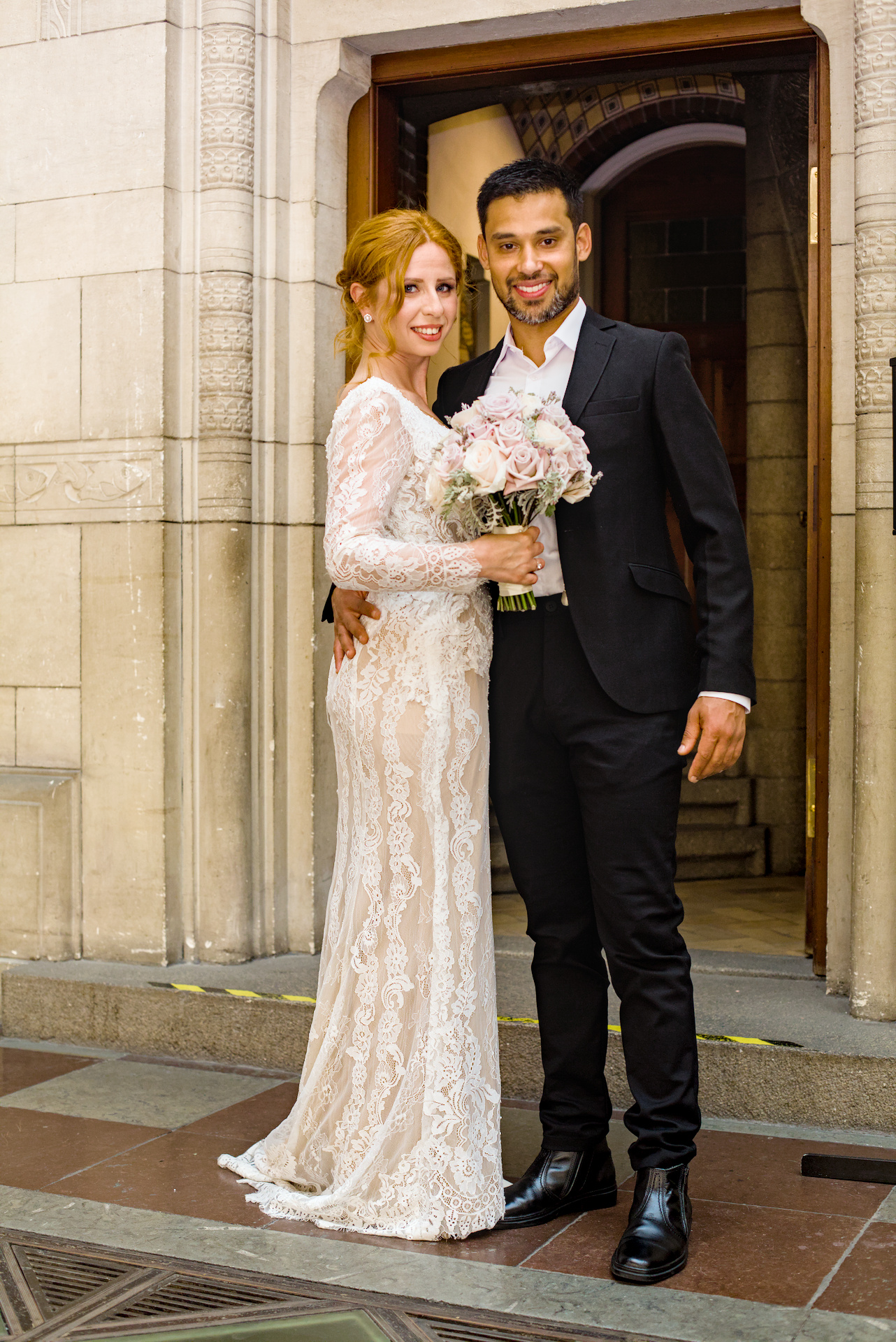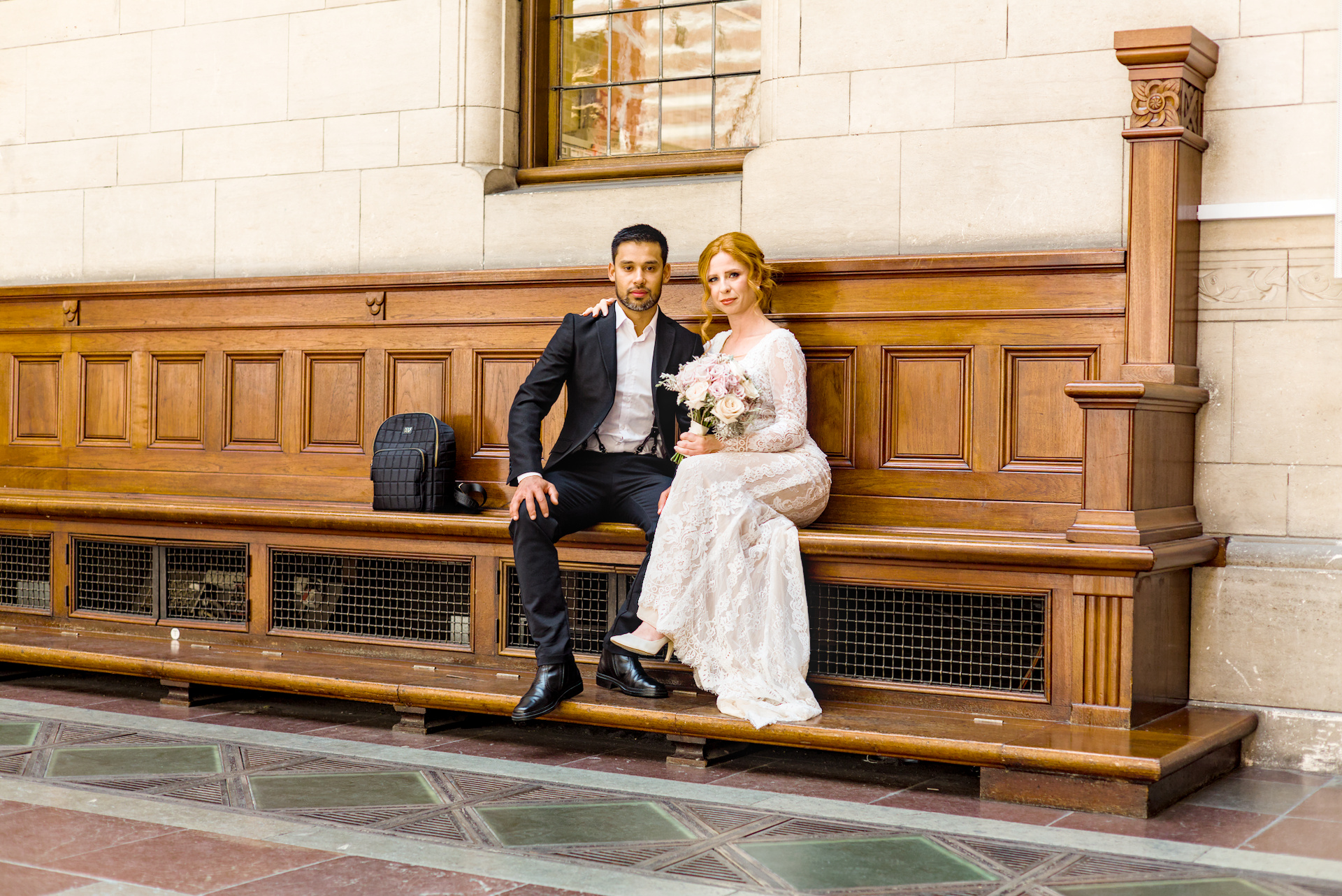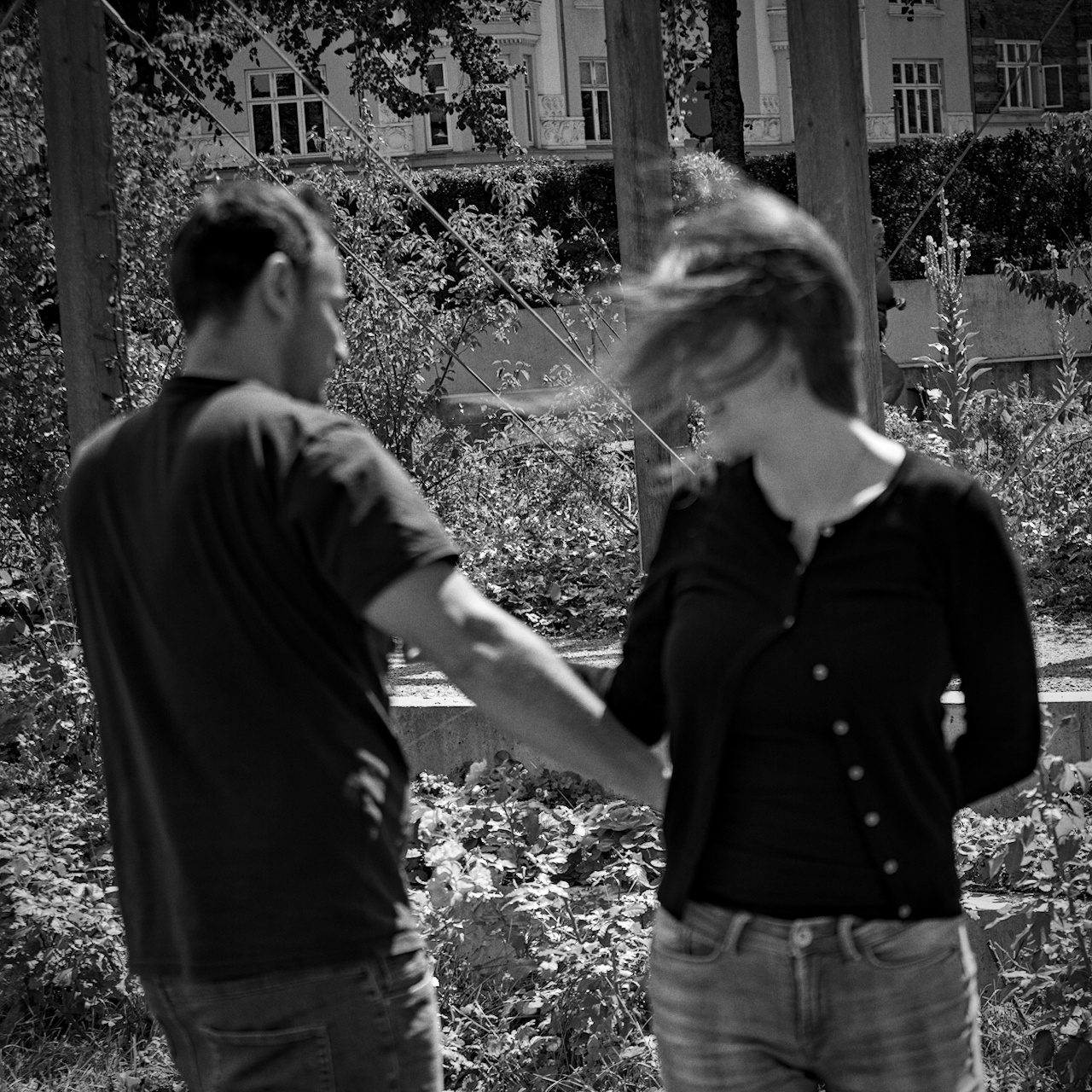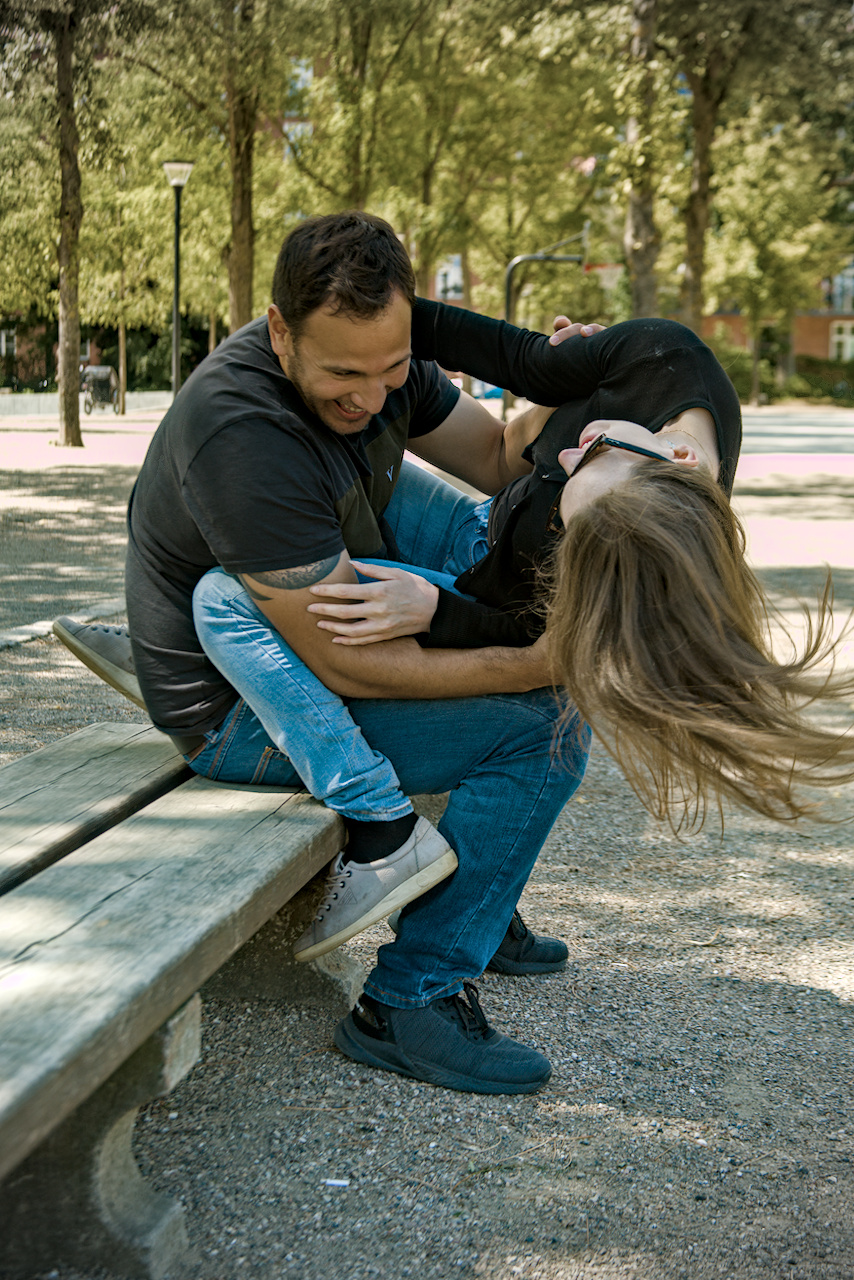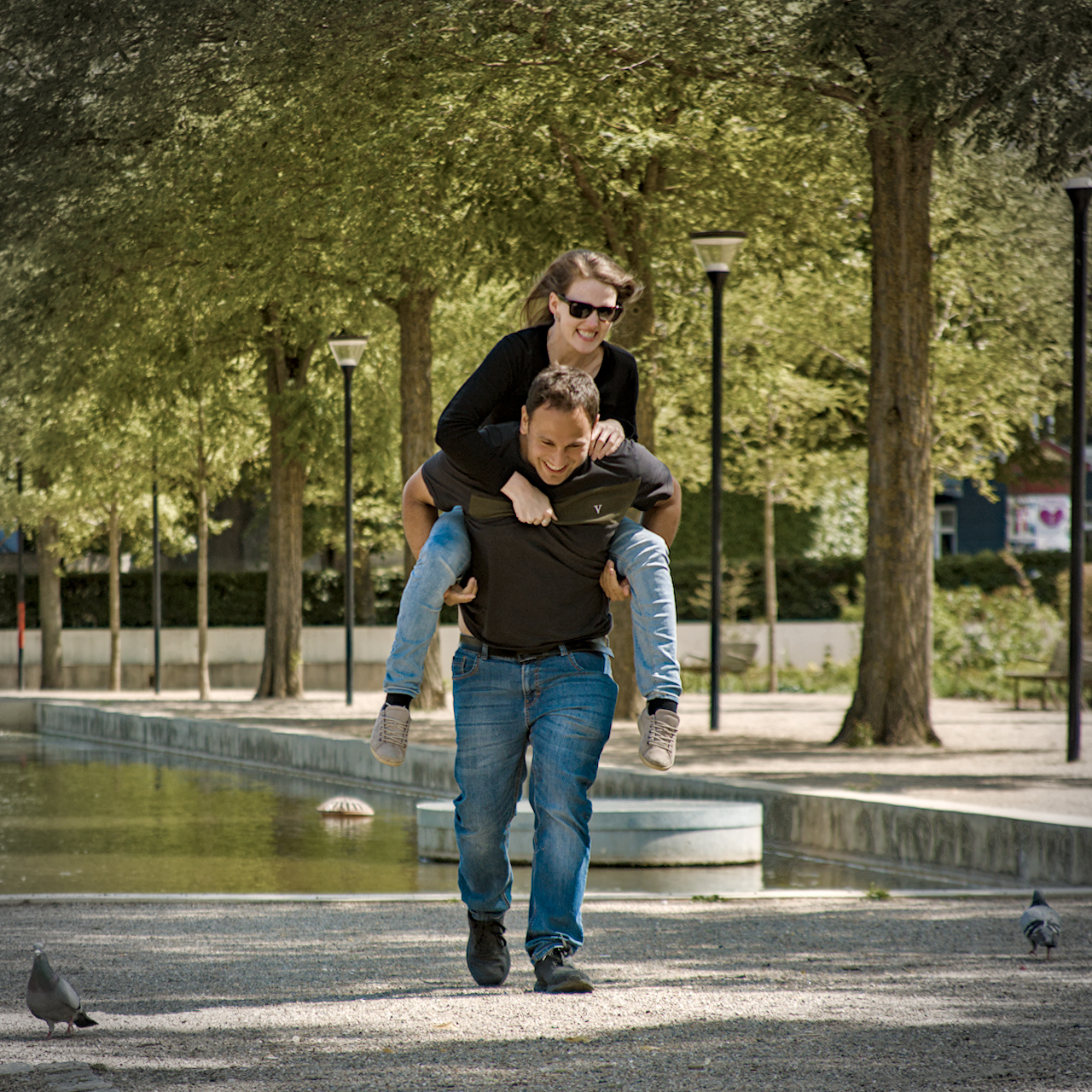

How to order photo prints:
Choose photos from your gallery and note the Photo Code of each photo you want to order prints from. (You can see photo codes in your gallery written on your photos, they start with IMG_)
Then on this page choose size of prints, write the chosen Photo Codes and your Gallery Name in designated fields, add quantity corresponding to total number of photos to be printed (price is per print), then click add to cart. If you want to add more sizes repeat procedure for each size. In the end proceed to checkout and follow instructions on the screen.
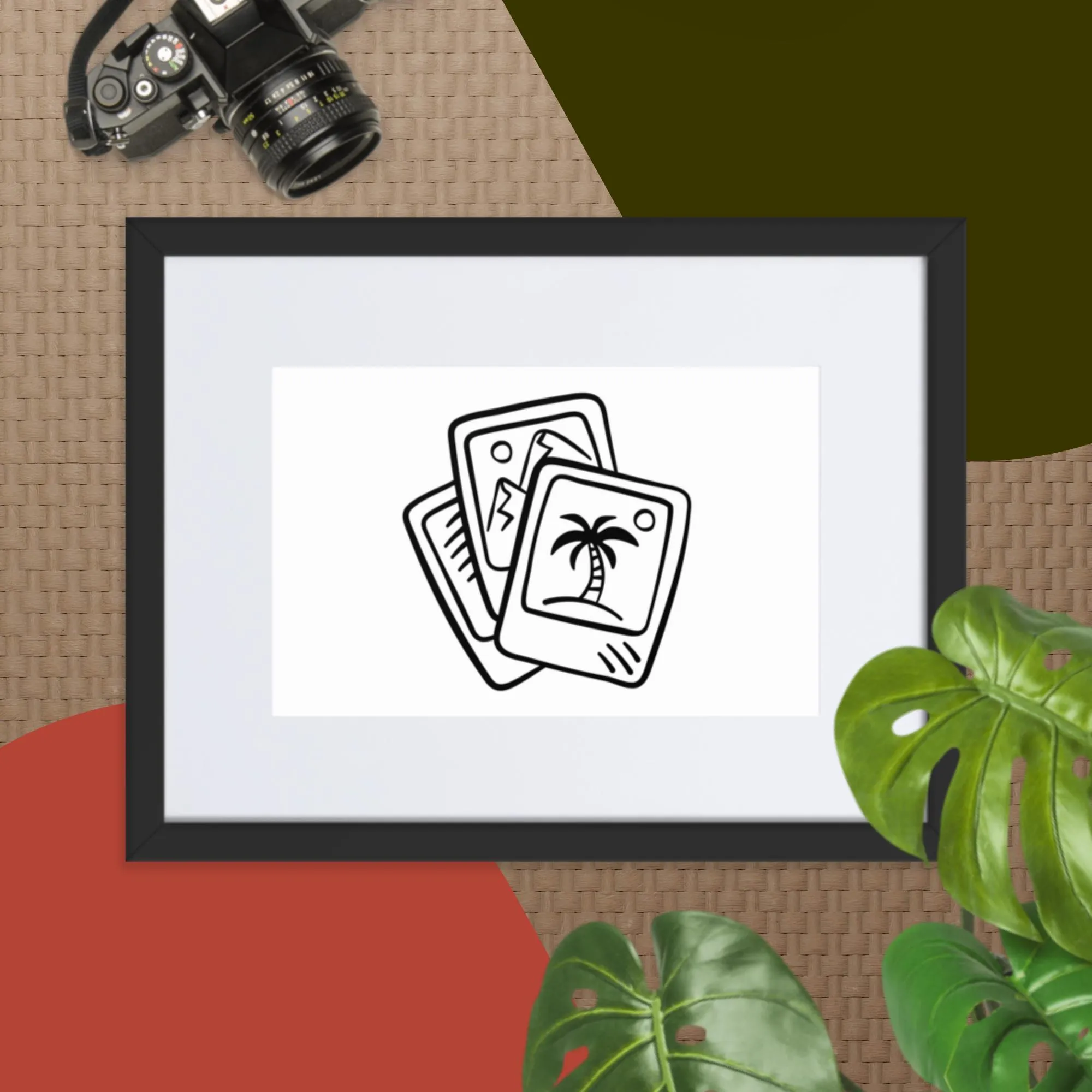
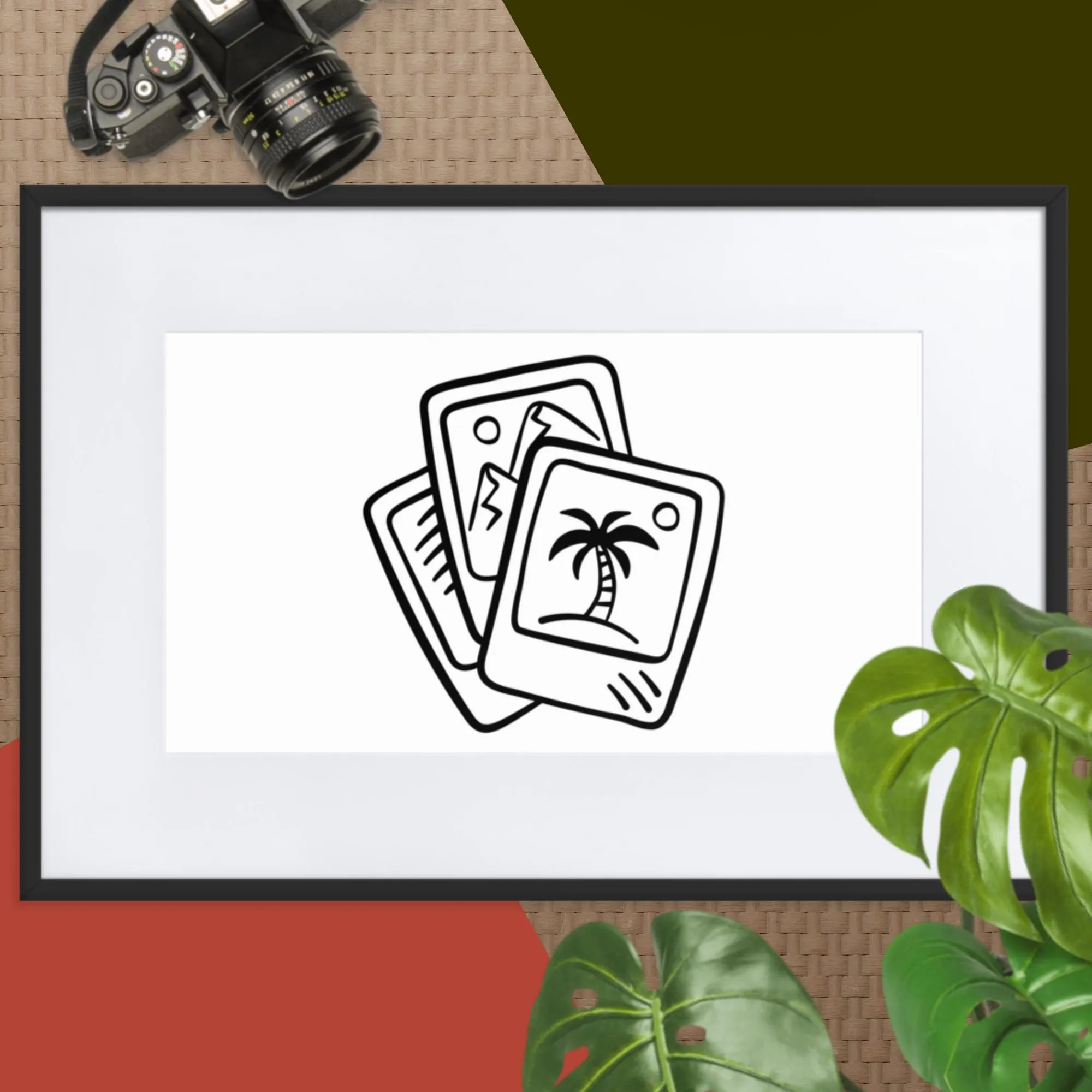
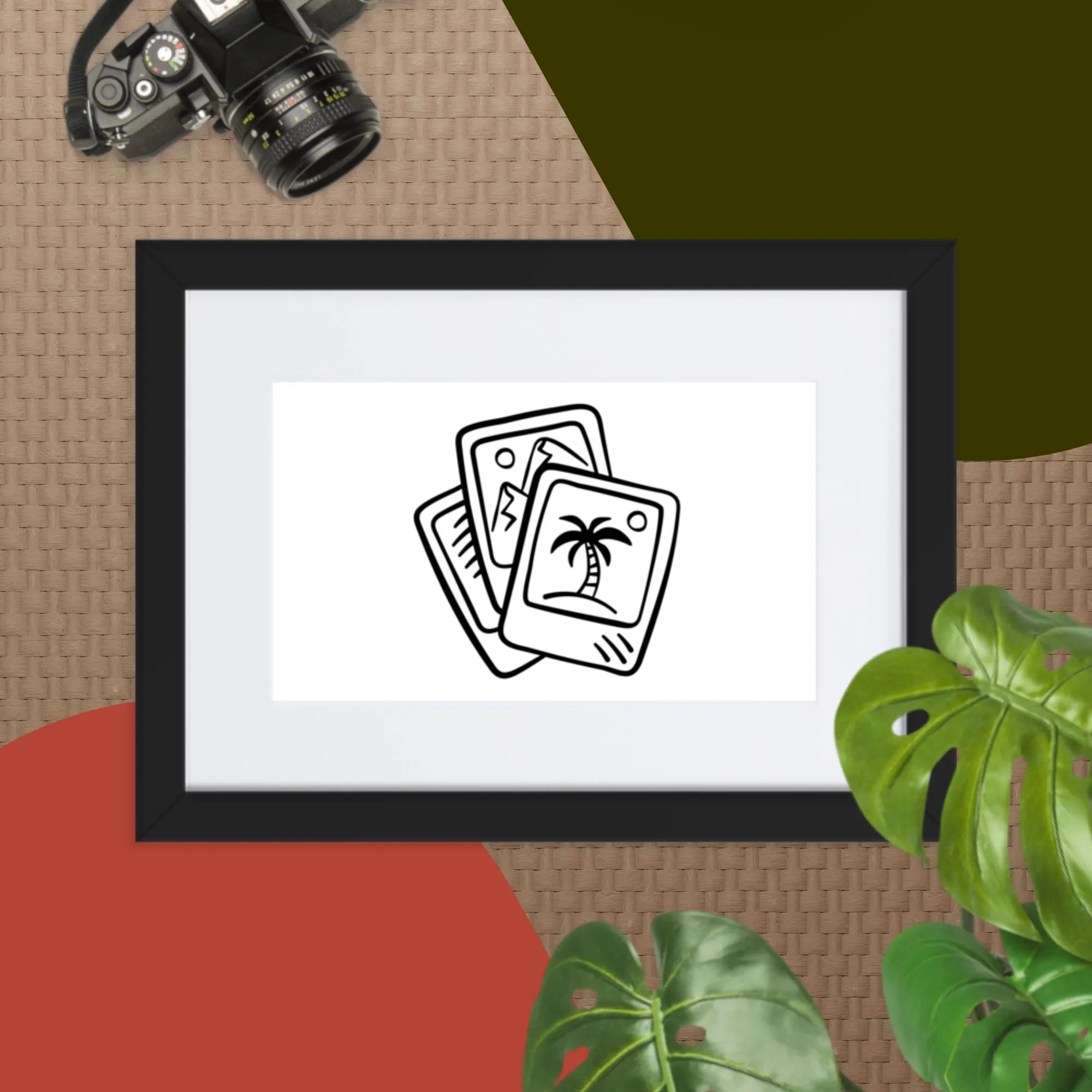
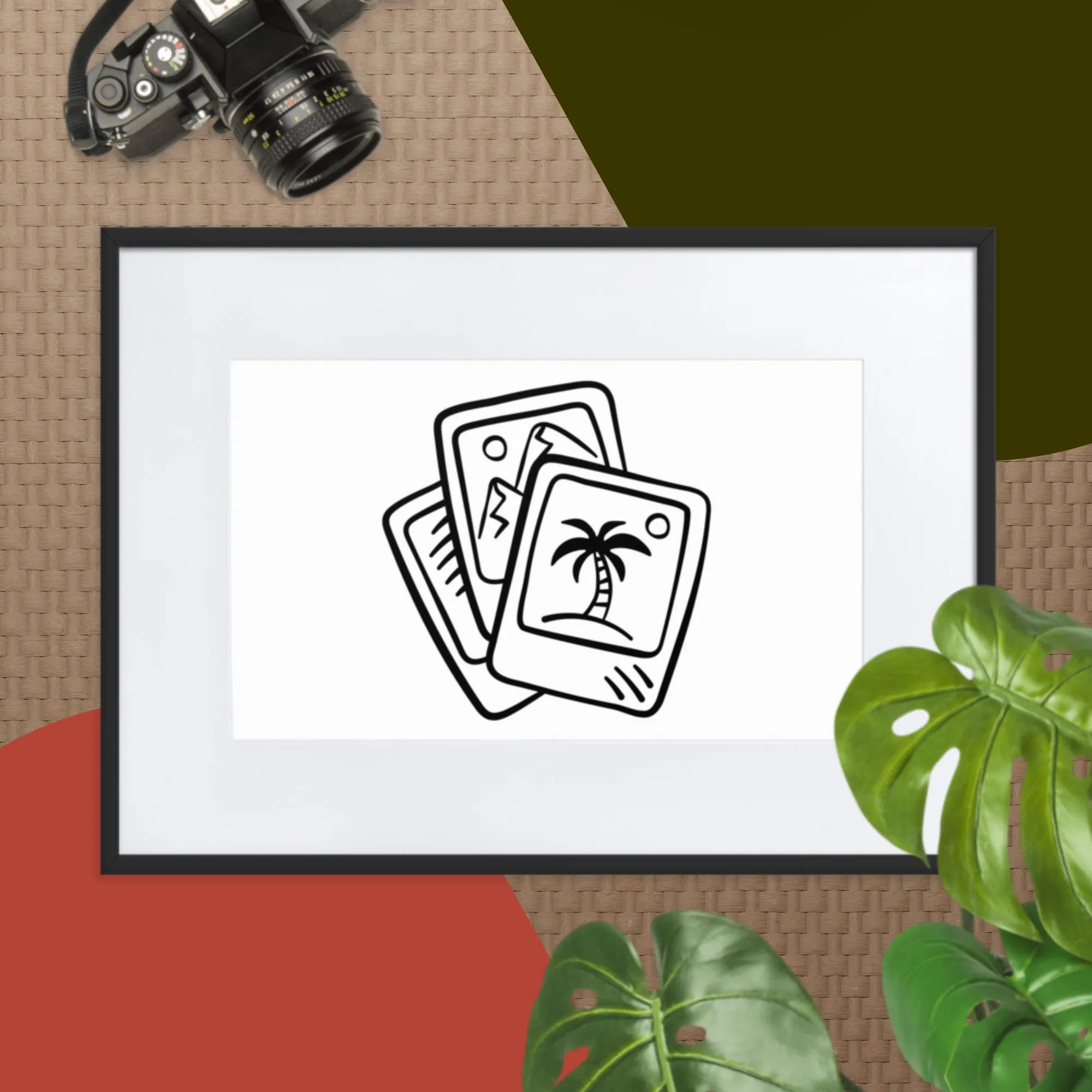
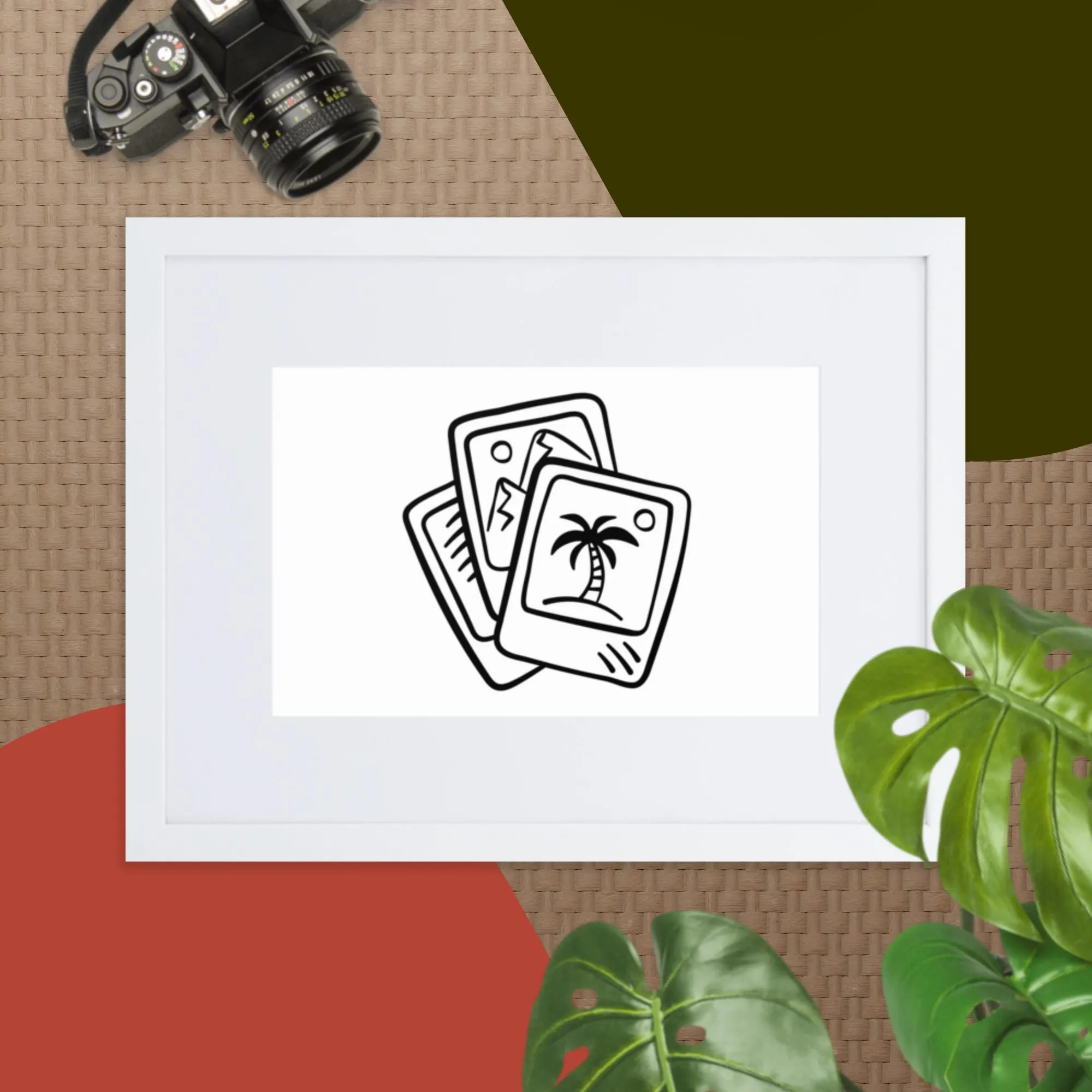
Matte Paper Framed Print With Mat
Price range: 298 kr. through 1.090 kr.
• Sizes are in centimeters
• Paper thickness: 10.3 mil
• Paper weight: 189 g/m²
• Ayous wood frame
• Acrylite front protector
• White mat board
• Hanging hardware included
• 21×30cm posters are size A4